There are three ways a code can be change in the IP keypad. The code can be changed via the keypad, HTML, or the LMP software. Practical procedure would have the user changing their combination through the keypad only and HTML and LMP would generally be reserved for use by a lock administrator.
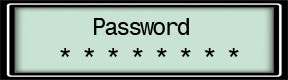
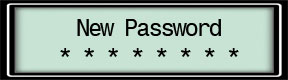
Keypad: From the Main Menu, type in your Code and press the * key. You will be prompted to enter a new password. Your code must contain eight digits and the first two number must remain the same (00-09).
Enter your new code and press #:
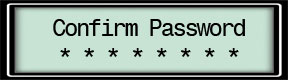
Confirm your new code by typing it in again and pressing #:
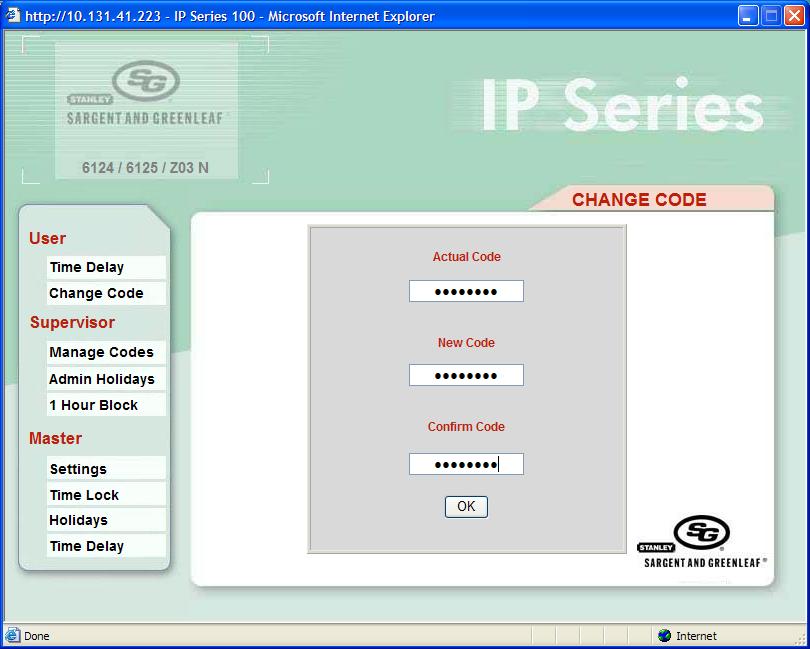
HTML: Log into HTML Under User select Change Code Enter Actual Code Enter New Code Confirm Code Click the OK button