
1. Press START to begin
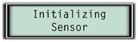
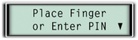
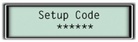
2. Press * to get the lock to prompt you for the setup code.
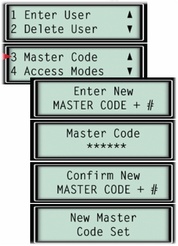
3. Select option 3 (master code) under the lock setup menu.
You will be prompted to enter in a new 6 digit master code and then confirm the new master code.
Applicable to:
Biometric Keypad