
- Navigate to the Time Lock Configuration page.
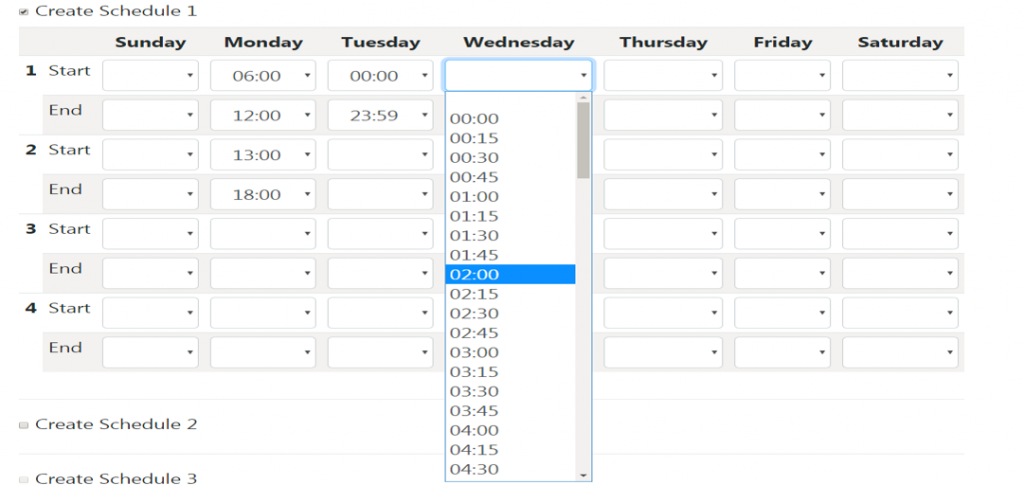
- Configure your access schedule.
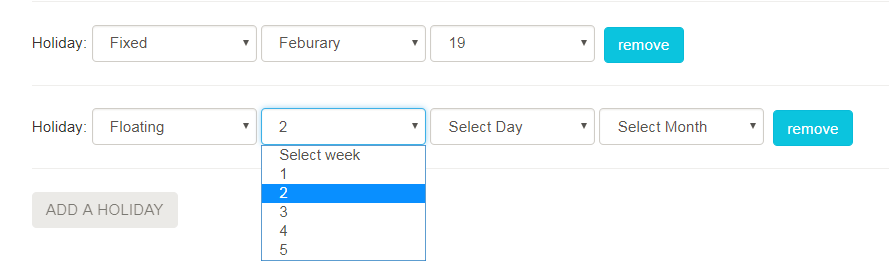
- Configure your holidays.
- Complete the form with you Company, Name, and Email information.
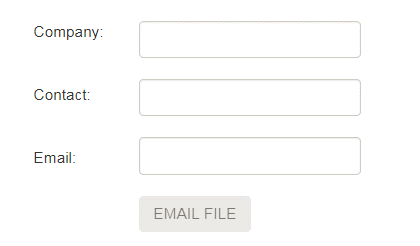
- Click the EMAIL FILE button.
The email is sent from timelockconfiguration@sargentandgreenleaf.com. If you are not receiving the file, add the @sargentandgreenleaf.com to your safe sender domain list.